Code Rule and Code Query
Hundreds of default code rules to check against best practices. Support for Code Query over C# LINQ (CQLinq) to easily customize rules and query code.
Most companies have large systems that work together, often in mysterious ways. NDepend's in-depth reporting and toolset can help your company enforce its own coding standards and maintain complex projects.
Hundreds of default code rules to check against best practices. Support for Code Query over C# LINQ (CQLinq) to easily customize rules and query code.
Explore how the code is actually structured and shed light on architectural flaws thanks to the most powerful code dependency graph and dependency matrix available in the tool industry.
AI Assistants and LLMs can use the NDepend MCP Server to suggest or apply fixes for NDepend rules, Roslyn Analyzers, and R# Code Inspections issues.
A unique approach to continuously keep the technical debt under control and reimburse it with time.
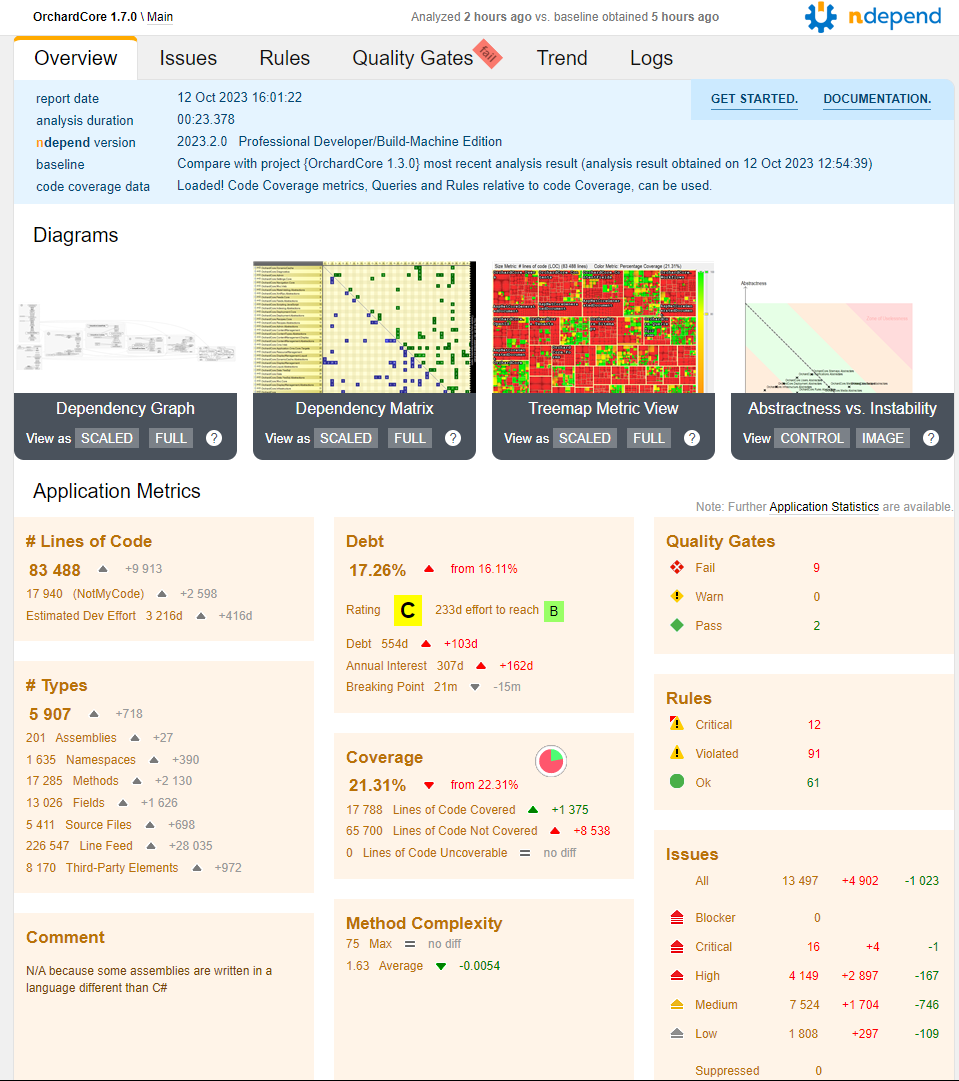
Integrate NDepend analysis into your CI / CD pipeline and obtain interactive and detailed web reports to explore progression and prevent code quality degradation.
Fail the build pipeline upon customizable PASS / WARN / FAIL code quality and security criteria.
Gain a 360 view of your .NET code quality by importing your preferred Roslyn Analyzers' issues and ReSharper Code Inspections' issues into the NDepend web report and UI.
NDepend allows your team to accurately gauge the overall health of your application, no matter how complex it is.
Lines of Code, Cyclomatic Complexity, Coupling, Nesting Depth, Rank, NDepend supports them all (and much more).
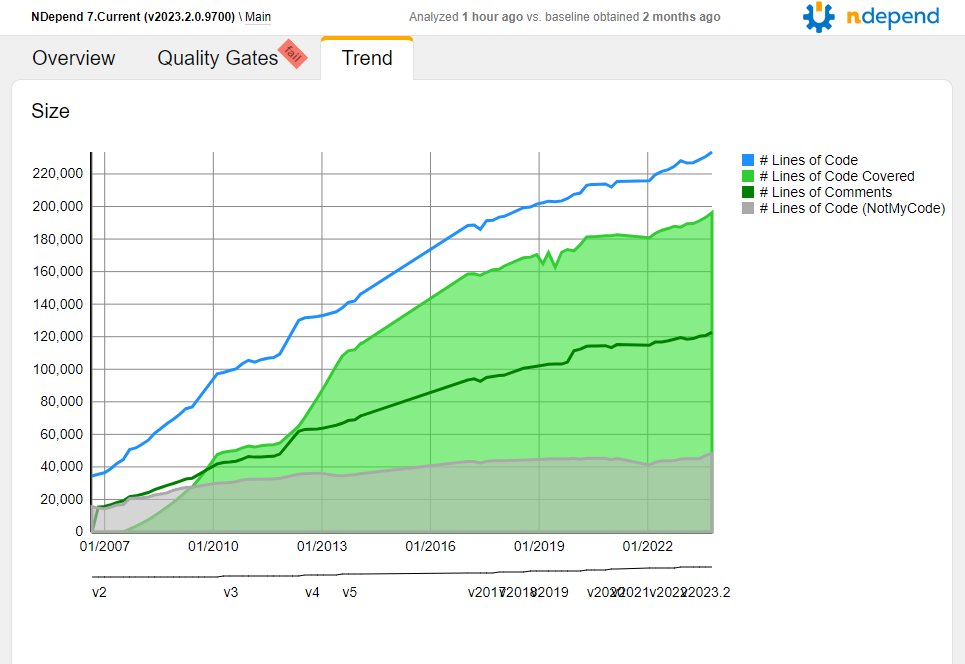
Get Trend Charts about pretty much any code metrics to master the evolution of your application.
Import test coverage data, and make the most of it in the NDepend feature-rich context.
NDepend's reporting and analysis helps architects and developers to communicate and reduce confusion.
Spot too complex code at a glance thanks to unique diagramming capabilities.
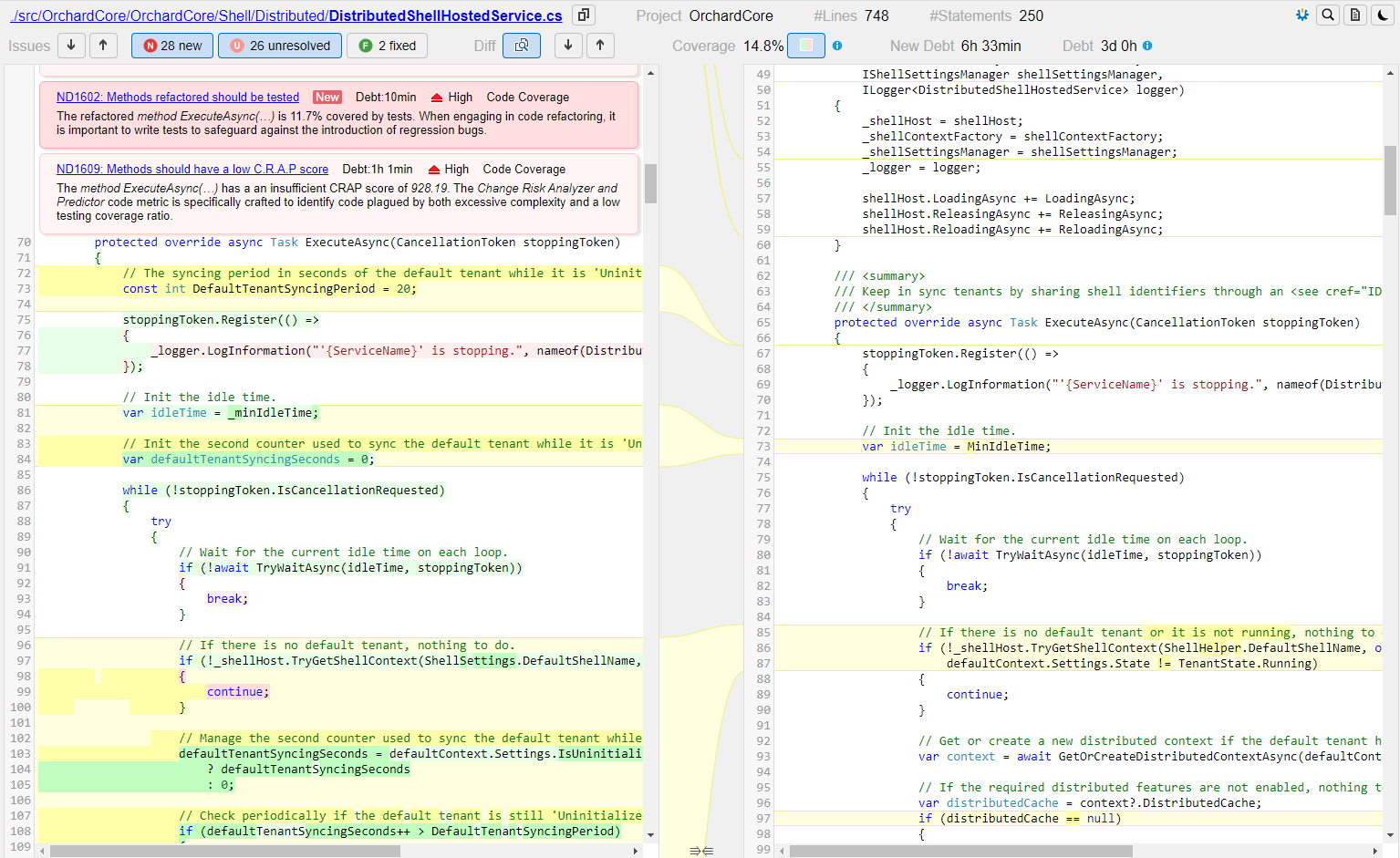
Compare two versions of a code base and its issues set, and browse diff and changes in any way you can think of.
Be warned of potential build process problems before they end up causing friction and pain.
By mapping out the structure of the project, it is much easier to see how components and dependencies are connected.
Get rid of dependency cycles between components to achieve higher code maintainability.
NDepend helps maintaining clean side-effects free code to write highly maintainable products.
Integrate with Visual Studio, Azure DevOps, GitHub and any other CI/CD pipeline, super fast and lightweight analysis, NDepend is conceived for real-world programmers.
Write your own static analyzer based on NDepend.API, or tweak existing open-sources Power Tools.
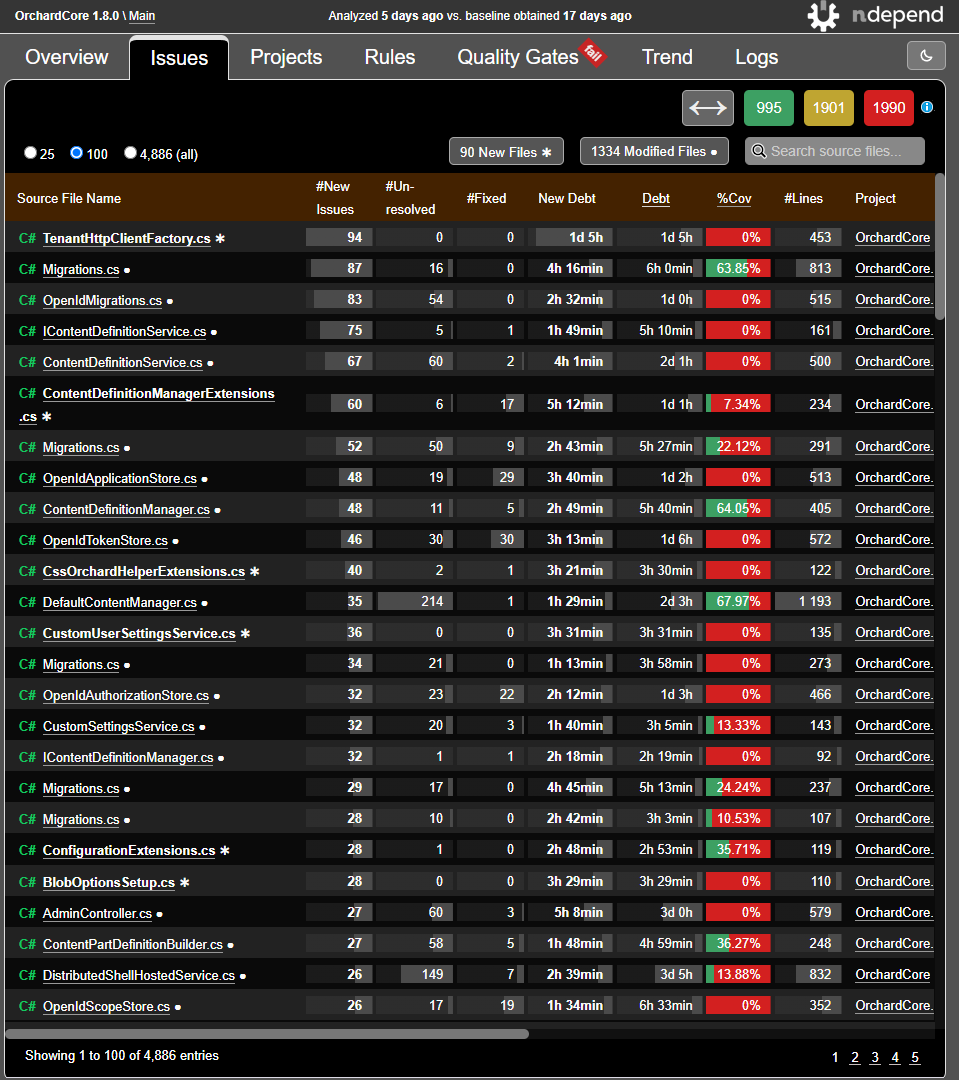
Explore the issues-set in a few clicks and focus your effort on what is urgent and important.
For each issue, the cost to fix and the severity are estimated through smart and customizable C# formulas. Thus estimations proposed are realistic.
See some sample reports below:
For all sample reports are imported:
Such serverless report can be generated by invoking... NDepend.Console.exe $absolute-path-to-an-NDepend-project-file$...from your CI/CD running on Windows, Linux and Mac 
You can generate the report using a trial license, a Build-Machine license |
|